The Ultimate Guide to Free Invoice Making for Small Businesses
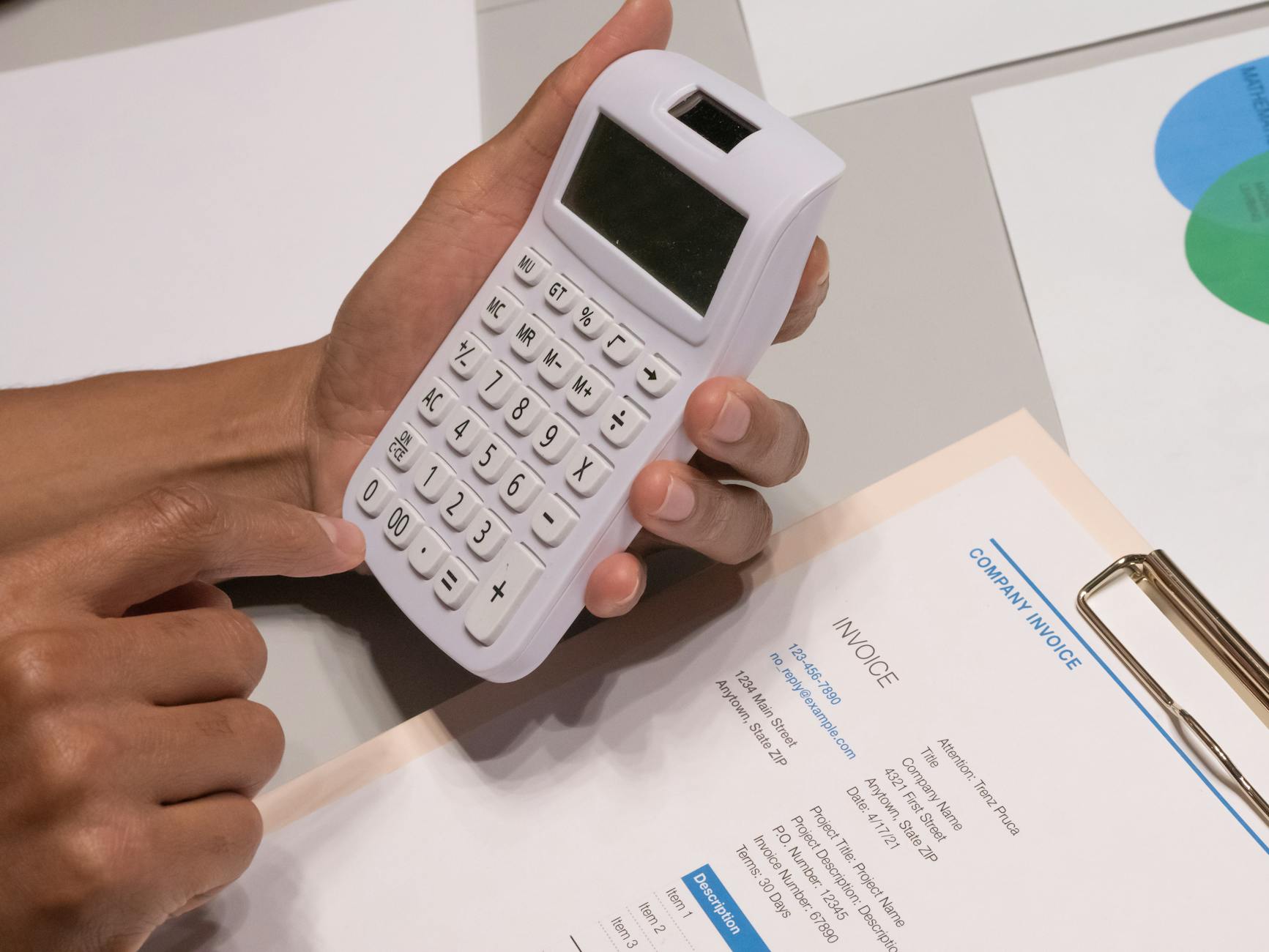
Introduction
In today’s fast-paced freelance and small business landscape, efficient billing is essential for managing cash flow and maintaining professionalism. One key aspect of running a successful business is mastering the art of free invoice making. Whether you're a freelancer, a service provider, or a small business owner, knowing how to create invoices quickly and effectively can save you time and help ensure you get paid promptly. In this guide, we’ll explore best practices for creating invoices, tools that can assist you, and how using an invoice generator like MyQuoteGenerator can streamline your billing process.
Why Invoicing Matters
Invoicing is more than just a request for payment; it’s a vital part of your business operations. Proper invoicing helps you manage finances, track income, and build credibility with clients. An invoice serves as a legal document that outlines the services provided, the amount owed, and the payment terms. By understanding the importance of invoicing, you can see why effective free invoice making is crucial.
For faster billing processes, consider using an online invoice generator to create polished invoices efficiently.
Importance of Professionalism
Presenting a polished invoice demonstrates professionalism to your clients. A well-structured invoice enhances your brand image and increases the likelihood of timely payments. This is especially important for freelancers and small business owners who rely heavily on client relationships.
How to Create an Invoice: Step-by-Step Guide
Creating an invoice may seem daunting, but it’s quite straightforward with the right approach. Here’s a step-by-step guide to assist you with free invoice making.
Step 1: Choose Your Invoice Format
You can create your invoice in various formats, such as Word documents, Excel spreadsheets, or PDF files. However, using an invoice template can save you time and ensure consistency. Numerous free templates are available online that cater to different industries and services.
Step 2: Include Essential Information
Here’s what to include in your invoice:
- Your Business Information: Include your business name, address, phone number, and email.
- Client Information: Add the client’s name, address, and contact details.
- Invoice Number: Assign a unique invoice number for tracking purposes.
- Invoice Date: Clearly state the date the invoice is issued.
- Payment Terms: Specify the payment due date and accepted payment methods.
- Itemized List of Services: Provide a detailed breakdown of the services rendered, including quantities, rates, and total amounts.
- Subtotal, Taxes, and Total Amount Due: Clearly outline the subtotal, any applicable taxes, and the total amount due.
By including all this information, you ensure clarity for both yourself and your client, which is a key aspect of effective free invoice making.
Step 3: Design Your Invoice
While content is essential, the design of your invoice also plays a significant role. A clean, professional layout enhances readability. Use clear headings, bullet points, and a consistent color scheme that aligns with your brand. Free online tools like Canva or Google Docs offer customizable templates that you can easily adapt.
Step 4: Review and Send Your Invoice
Before sending your invoice, take a moment to review it for accuracy. Ensure all figures are correct and double-check the client’s information. Sending a polished invoice reflects well on your business practices. Once reviewed, send the invoice via email or through a direct invoice generator.
Tools for Free Invoice Making
Various tools can simplify the free invoice making process. Here are a few recommended options:
1. MyQuoteGenerator
MyQuoteGenerator provides a user-friendly interface that allows you to create professional invoices quickly. With customizable templates, you can easily add your branding and personalize your invoices to meet your needs. The platform simplifies the billing process, enabling you to focus on your work instead of paperwork.
2. Invoice Generator
This tool allows you to create invoices for free with a straightforward, no-frills approach. Simply fill in the necessary details, and it will generate a PDF invoice for you. This is perfect for freelancers who need a quick solution.
3. Wave
Wave is a free invoicing software that not only enables free invoice making but also offers features like accounting and receipt tracking. This is particularly beneficial for small business owners who want to manage their finances more comprehensively.
Best Practices for Invoicing
To ensure your invoicing process runs smoothly, consider these best practices:
1. Send Invoices Promptly
Send invoices as soon as the work is completed or according to the agreed timeline. This practice keeps your cash flow steady and sets clear expectations for payment.
2. Follow Up on Unpaid Invoices
It’s essential to follow up on unpaid invoices without being overly pushy. A gentle reminder can often prompt clients to address overdue payments.
3. Keep Records
Maintain organized records of all invoices sent and received. This not only helps you track payments but is also beneficial for tax purposes and financial planning.
Real-World Examples of Effective Invoicing
Let’s look at a couple of examples of how effective invoicing can improve business relationships and cash flow.
Example 1: Freelance Graphic Designer
A freelance graphic designer completed a project for a client and sent an invoice within 24 hours. The invoice was clear, included all necessary details, and adhered to the designer’s brand colors. The client appreciated the professionalism and paid the invoice within a week, allowing the designer to maintain a steady income flow.
Example 2: Small Marketing Agency
A small marketing agency used MyQuoteGenerator to automate their invoicing. They set up recurring invoices for ongoing clients, which saved them time and ensured that payments were received on time. The agency’s cash flow improved significantly as they no longer had to chase payments as frequently.
Conclusion
The ability to create invoices effectively is a vital skill for freelancers and small business owners. By leveraging tools for free invoice making, you can enhance your professionalism and ensure timely payments. Remember to include all necessary details, maintain a clean design, and follow up on unpaid invoices as needed.
For those seeking an efficient solution to streamline their invoicing process, consider using MyQuoteGenerator. With its user-friendly design and customizable templates, you can focus on what you do best while ensuring your billing is handled professionally.
Start making your invoicing easier today with MyQuoteGenerator!
Create professional invoices in seconds
Free invoice generator — no sign-up required
Create Free Invoice →