Mastering Your Finances: The Ultimate Invoice Billing Template
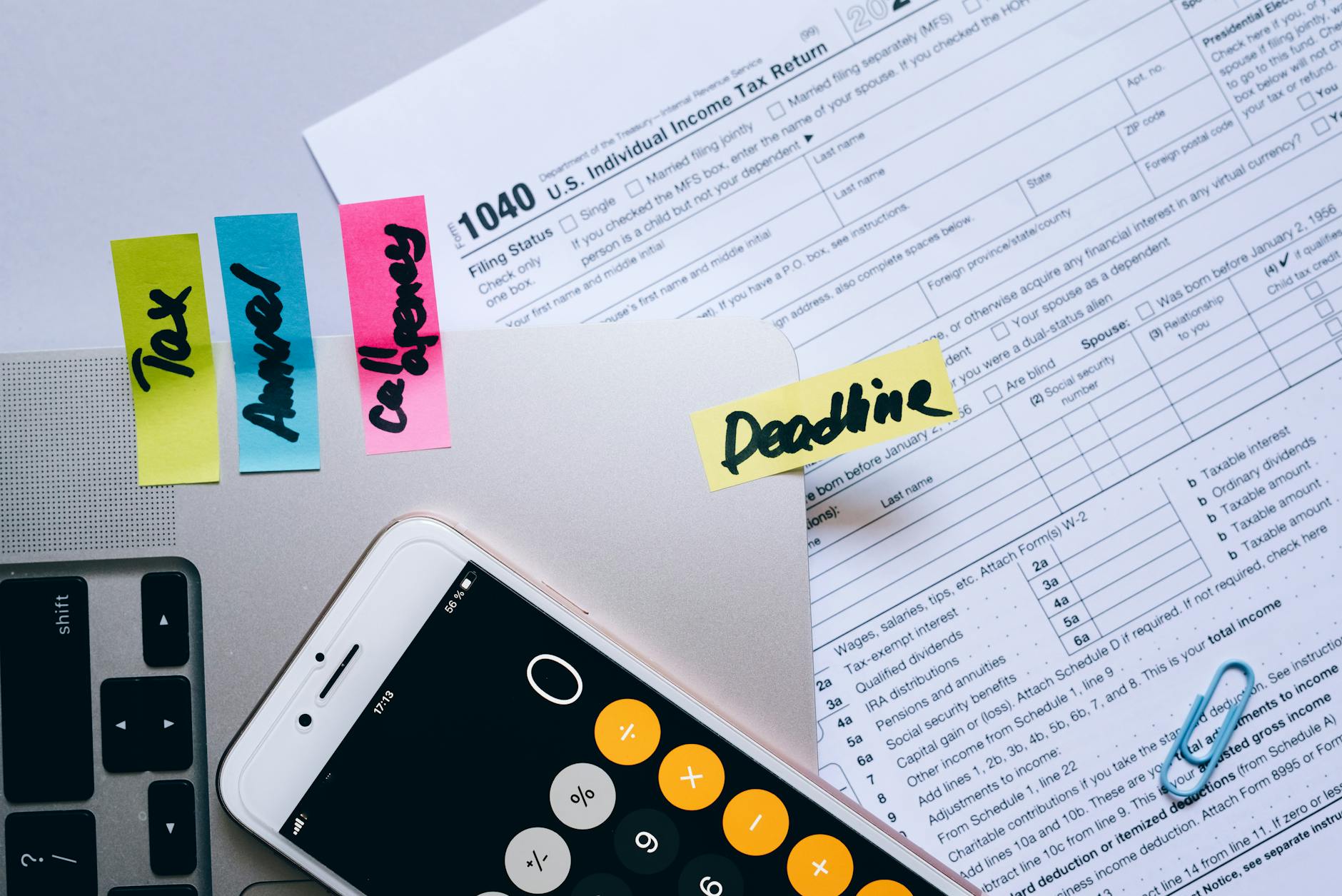
In the world of business, managing finances efficiently is crucial for success. One essential tool that can simplify this process is an invoice billing template. Whether you're a freelancer, a small business owner, or a large corporation, having a well-structured invoice can help you get paid promptly and maintain professional relationships with clients.
What is an Invoice Billing Template?
An invoice billing template is a pre-designed document that allows businesses to quickly create invoices for their products or services. These templates typically include essential fields such as item descriptions, quantities, prices, and payment terms. Using an invoice billing template not only saves time but also ensures consistency and professionalism in your billing practices.
To improve your invoicing workflow, an free invoice generator makes it easy to generate professional documents.
Why Use an Invoice Billing Template?
Implementing an invoice billing template can provide several advantages:
- Time-Saving: Instead of crafting an invoice from scratch every time, you can fill out a template with the relevant details.
- Professional Appearance: A well-designed invoice reflects positively on your business and enhances your credibility.
- Consistency: Using the same template for all invoices helps maintain a uniform look across your documents.
- Easy Tracking: Templates can help standardize your invoicing process, making it easier to track payments and outstanding invoices.
How to Create an Effective Invoice Billing Template
Creating an effective invoice billing template involves including key elements that ensure clarity and accuracy. Here’s a step-by-step guide:
1. Choose the Right Format
Decide whether you want to use a Word document, Excel spreadsheet, or an online invoicing tool. Each format has its advantages, but using a digital tool like MyQuoteGenerator can streamline your process greatly.
2. Include Essential Information
Your template should contain the following components:
- Your Company Information: Include your business name, logo, address, email, and phone number.
- Client Information: Add the client’s name, company name, and contact details.
- Invoice Number: Assign a unique number to each invoice for tracking purposes.
- Date of Issue: The date when the invoice is generated.
- Payment Due Date: Clearly state when the payment is expected.
- Itemized List of Services/Products: Include a detailed breakdown of items/services provided, along with their respective prices.
- Subtotal, Taxes, and Total: Clearly calculate the subtotal, applicable taxes, and the final amount due.
- Payment Terms: Specify acceptable payment methods and terms (e.g., net 30 days).
3. Design for Clarity
Your invoice billing template should be visually appealing while remaining easy to read. Use clear fonts, sufficient spacing, and logical organization of information. This helps prevent misunderstandings and ensures clients can easily find the information they need.
4. Customize for Your Brand
Incorporate your branding elements such as colors, fonts, and logos. This creates a cohesive look and reinforces your brand identity.
5. Use Automation Tools
Consider utilizing invoicing software like MyQuoteGenerator, which offers customizable templates and automation features. This can significantly reduce the time you spend on invoicing while increasing accuracy.
Real-World Examples of Invoice Billing Templates
To better understand how an invoice billing template can be structured, here are two examples:
Example 1: Freelance Graphic Designer Invoice
As a freelance graphic designer, you may use a simple invoice like this:
[Your Logo]
[Your Name]
[Your Address]
[Your Email]
[Your Phone Number]

Invoice Number: 001
Date of Issue: 01/01/2023
Due Date: 01/31/2023

Bill To:
[Client’s Name]
[Client’s Company]
[Client’s Address]

Description		Quantity	Unit Price	Total
Logo Design		1		$500.00		$500.00
Business Card		1		$200.00		$200.00

Subtotal: $700.00
Tax (10%): $70.00
Total: $770.00

Payment Terms: Due within 30 days. Acceptable payment methods: Bank Transfer, PayPal.
Example 2: Small Business Service Invoice
For a small business providing services, the template might look like this:
[Your Business Logo]
[Your Business Name]
[Your Business Address]
[Your Email]
[Your Phone Number]

Invoice Number: 002
Date of Issue: 02/01/2023
Due Date: 02/28/2023

Bill To:
[Client’s Name]
[Client’s Company]
[Client’s Address]

Description		Hours	Rate	Total
Consulting Services	5	$100.00	$500.00
Website Maintenance	3	$75.00	$225.00

Subtotal: $725.00
Tax (8%): $58.00
Total: $783.00

Payment Terms: Due within 28 days. Acceptable payment methods: Credit Card, PayPal.
Common Mistakes to Avoid When Using an Invoice Billing Template
While using an invoice billing template can simplify the invoicing process, be cautious of these common pitfalls:
- Forgetting to Customize: Always tailor the template to fit the specific job or client. Generic invoices can come off as unprofessional.
- Neglecting Payment Terms: Clear payment terms can prevent late payments. Ensure these are always included.
- Not Following Up: If payments are overdue, don’t hesitate to follow up with clients. A friendly reminder can facilitate prompt payment.
Conclusion: Streamline Your Invoicing with MyQuoteGenerator
Invoicing doesn't have to be a daunting task. By utilizing an invoice billing template, you can save time, maintain professionalism, and ensure timely payments. If you're looking for an efficient solution to create and manage invoices, consider MyQuoteGenerator. With customizable templates, automation features, and user-friendly design, it’s the perfect tool to take your invoicing process to the next level.
Ready to simplify your invoicing? Try MyQuoteGenerator today!
Create professional invoices in seconds
Free invoice generator — no sign-up required
Create Free Invoice →